AI virtual staging for empty rooms
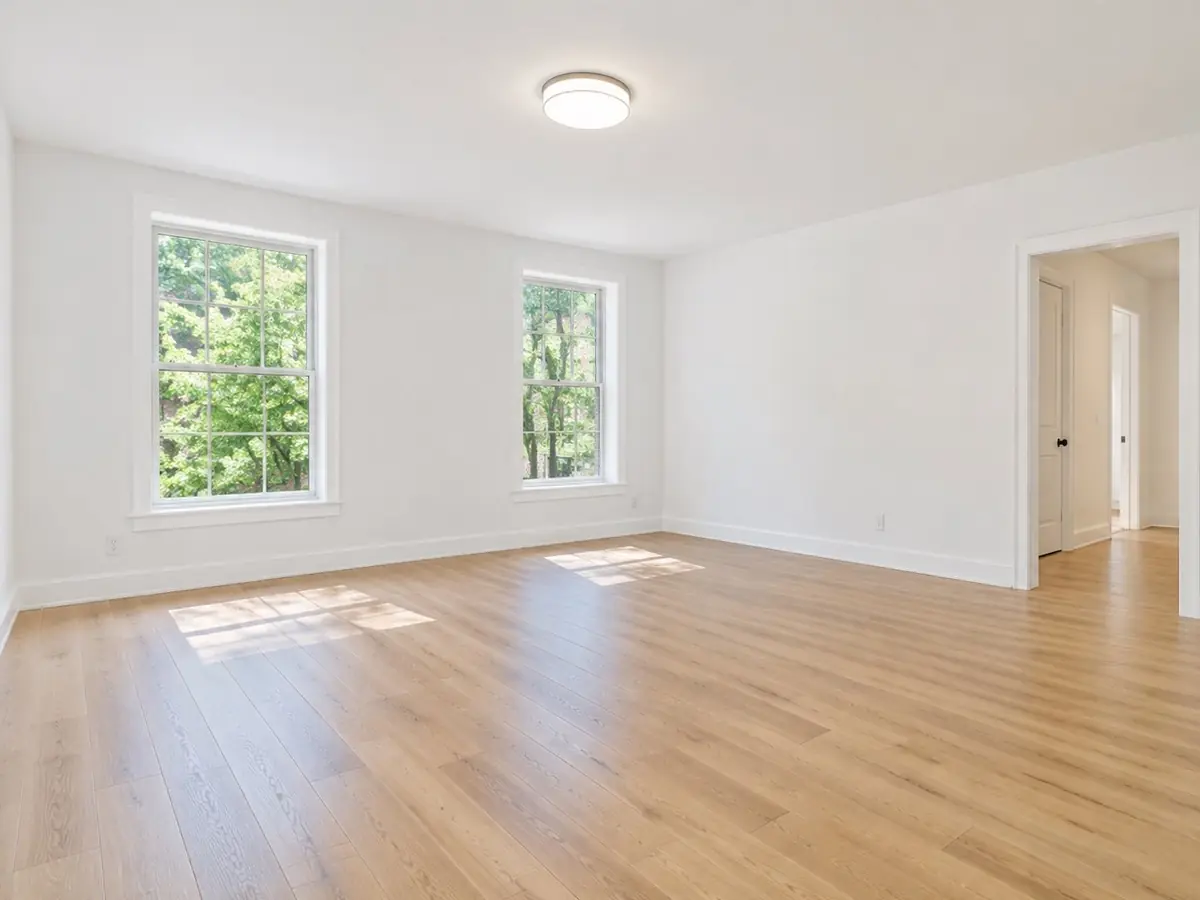
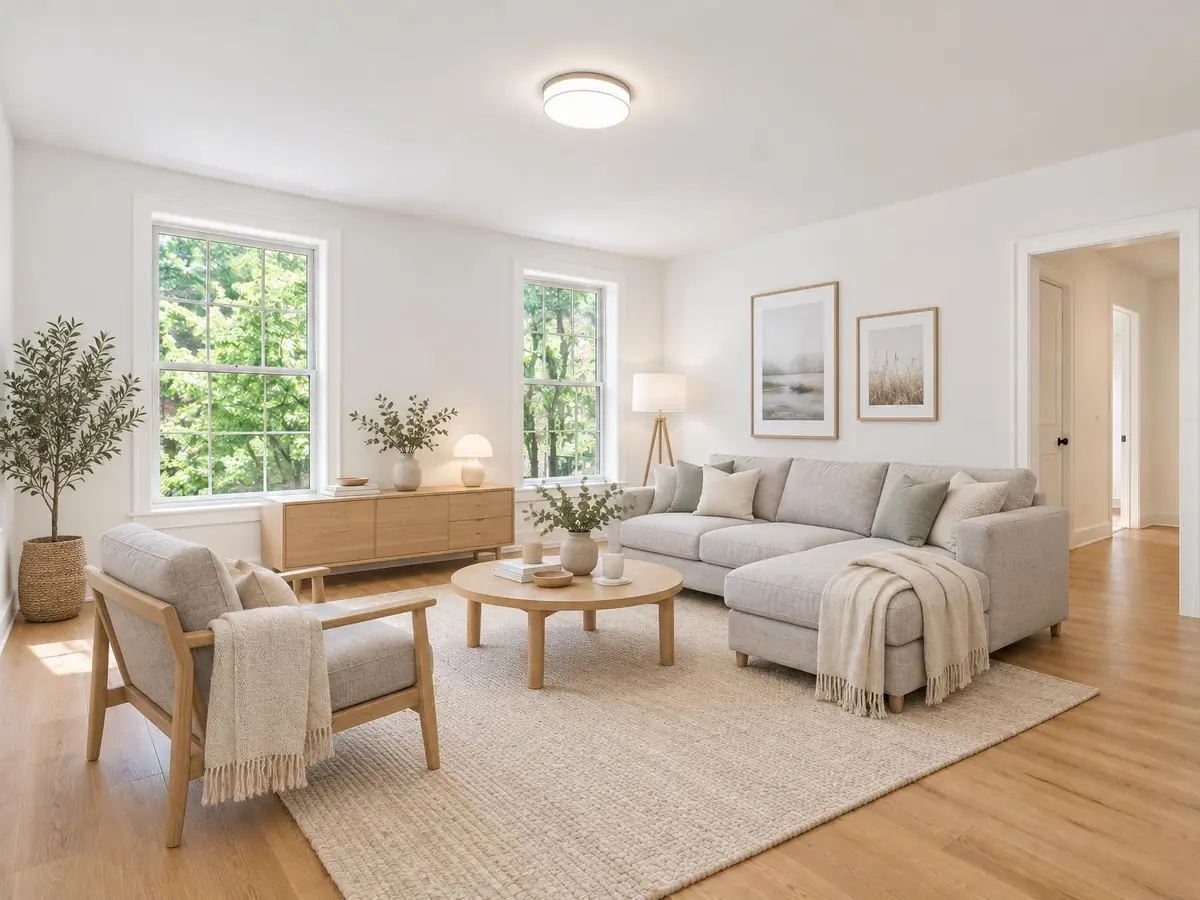
Turn an empty room photo into a furnished one in about a minute. Pick the room type and a style; a plan gives you four staged variations per round, and the free preview shows one. Walls, floors, windows and doors stay exactly as photographed.
How virtual staging works
- 1
Upload an empty room
Use a listing photo shot from a corner at chest height. JPEG and PNG work best.
- 2
Choose room and style
Pick the room type and one of twelve styles, from modern and Scandinavian to farmhouse and coastal.
- 3
Pick a variation
On a plan, four staged versions arrive together each round. Keep the best one and refine it with a short follow-up edit if needed.
Virtually staged label, on by default
Many listing rules require staged photos to be marked. Downloads carry a small Virtually staged label by default. You can switch it off for personal use, but keep it on for listings and disclose staging wherever your market requires it.
Staging only adds furniture and decor. It does not change walls, floors, windows, views or the size of the room, so the photo still shows the property as it is.
Why stage virtually
- Buyers understand the scale and use of an empty room at a glance.
- One photo can be staged in several styles for different buyer profiles.
- No furniture rental, delivery or photo reshoot.
More design ideas
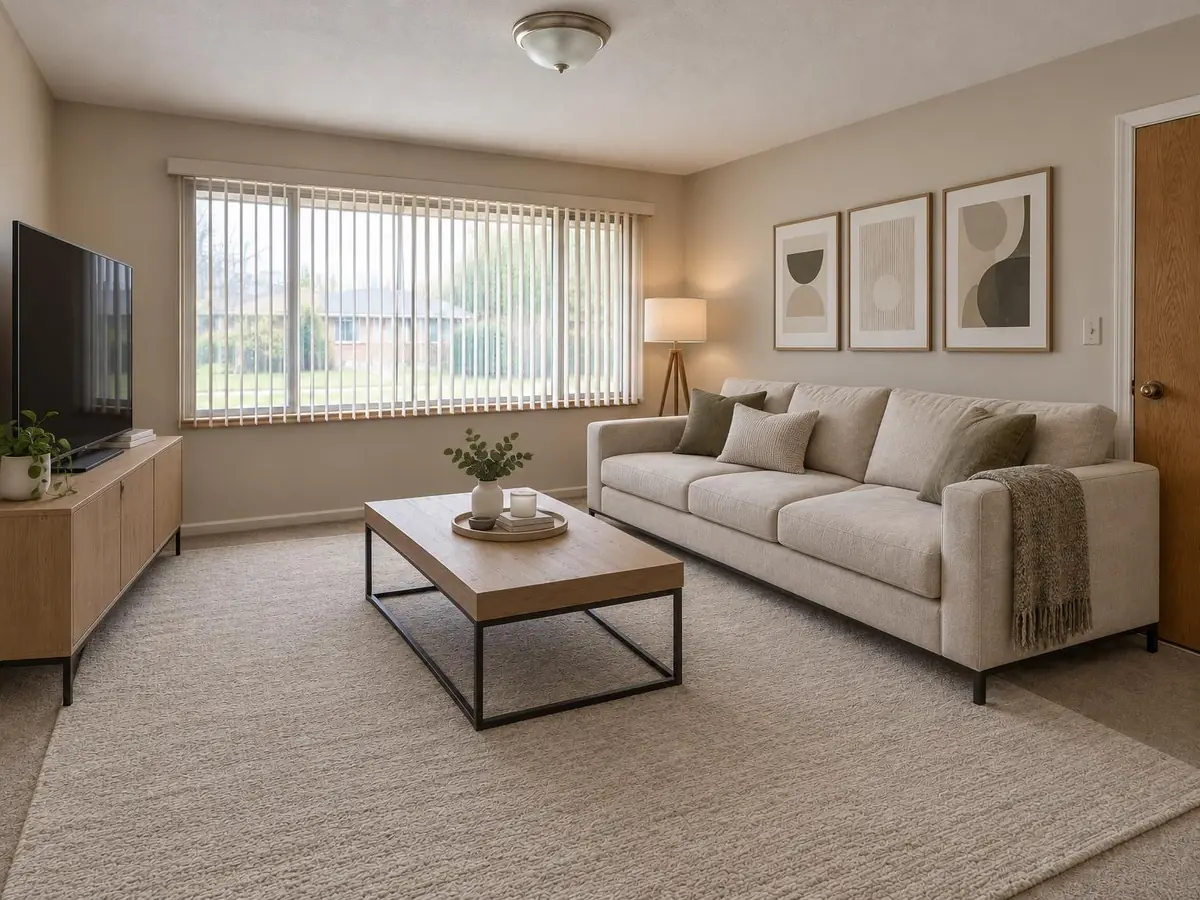 Modern living room ideas
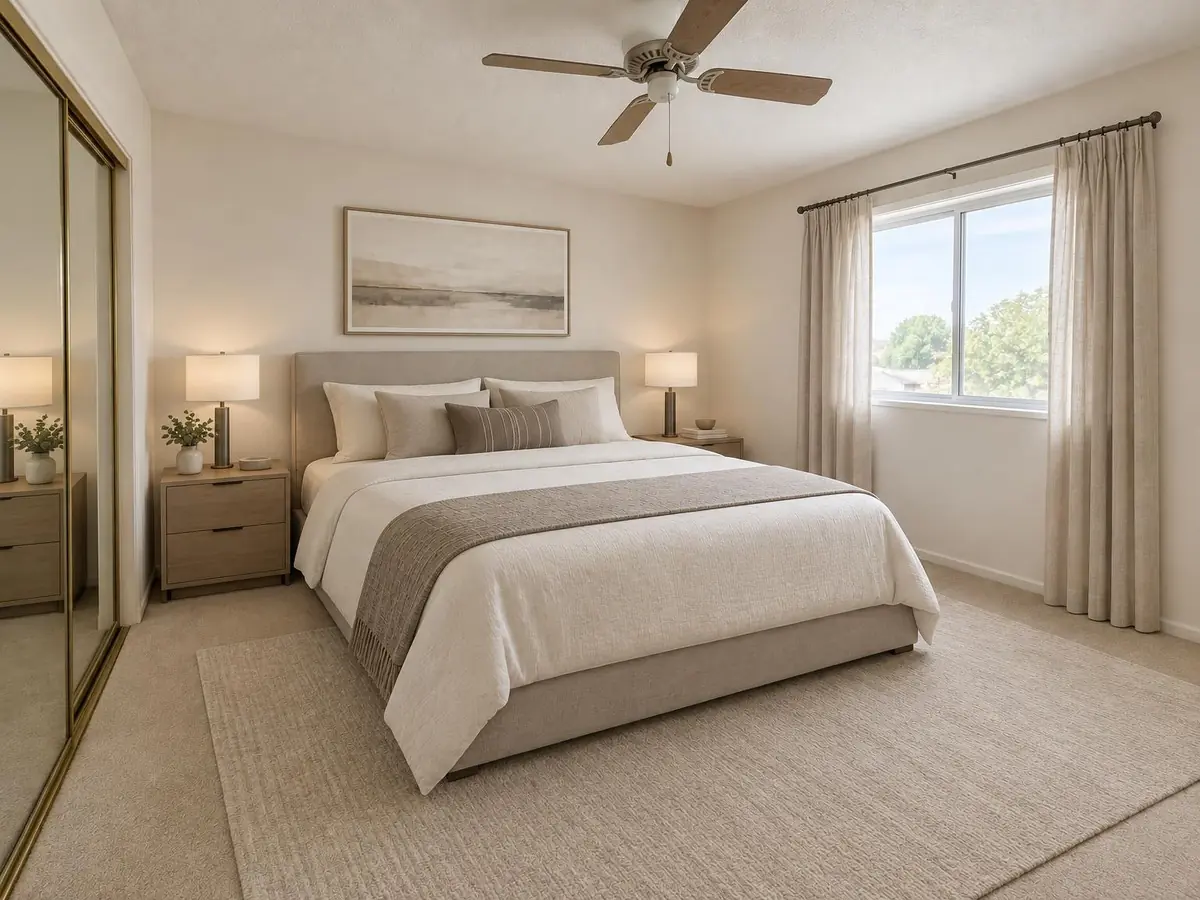 Modern bedroom ideas
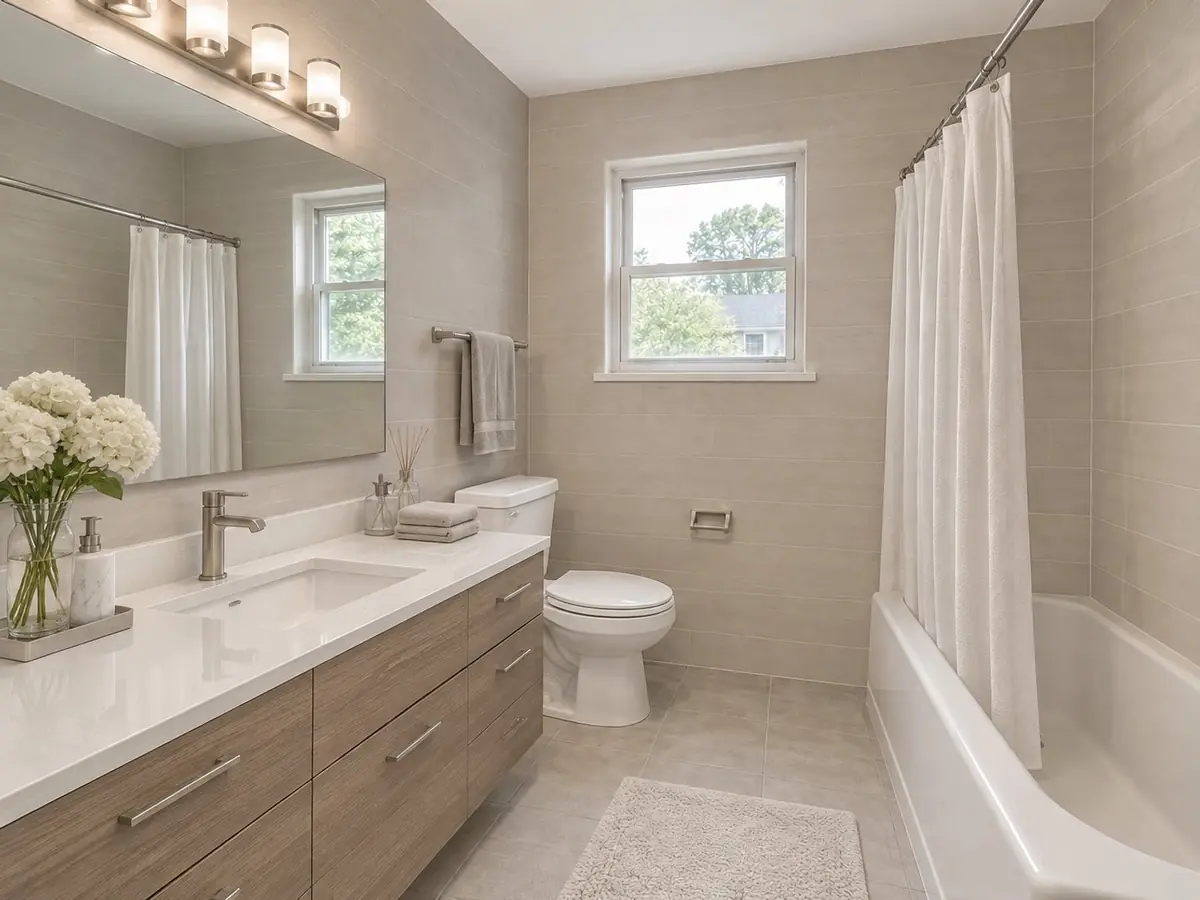 Modern bathroom ideas
 Modern dining room ideas
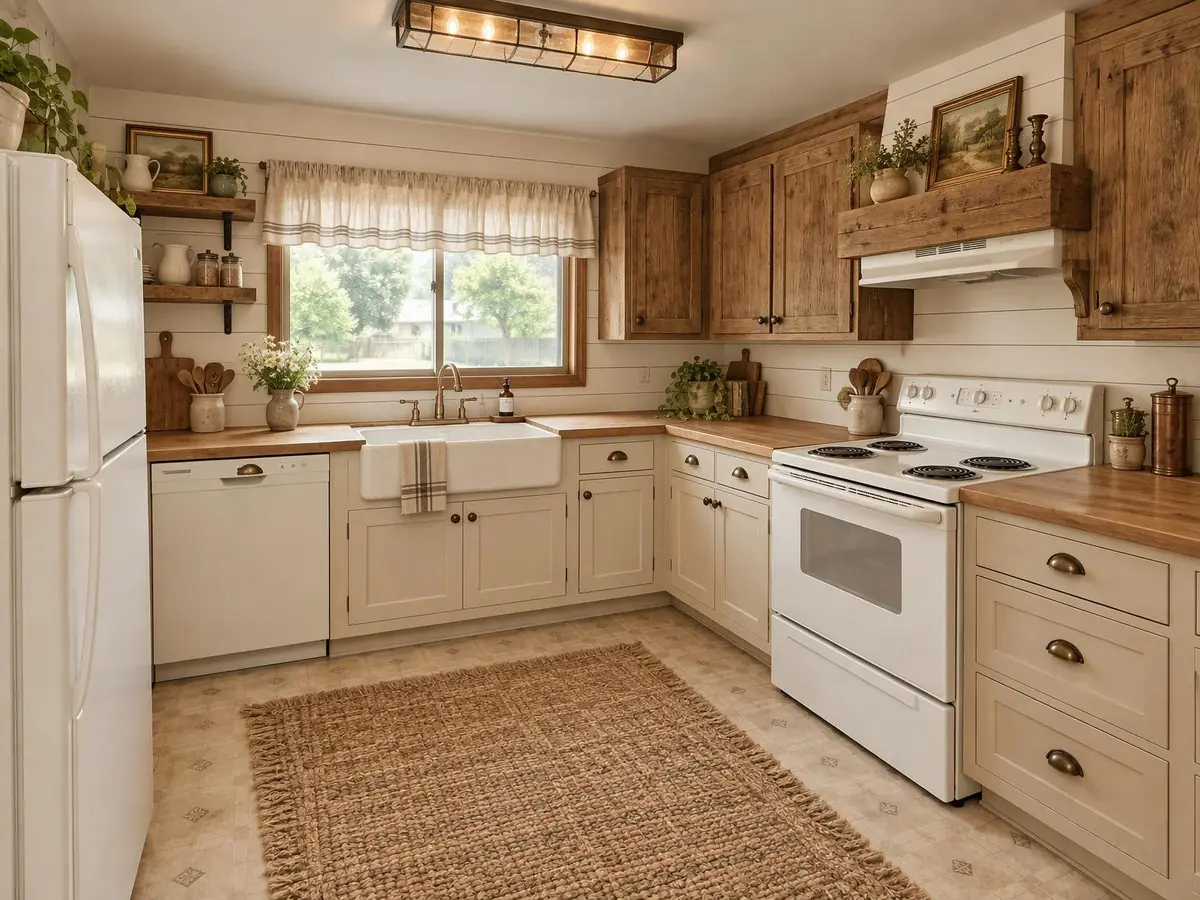 Farmhouse kitchen ideas
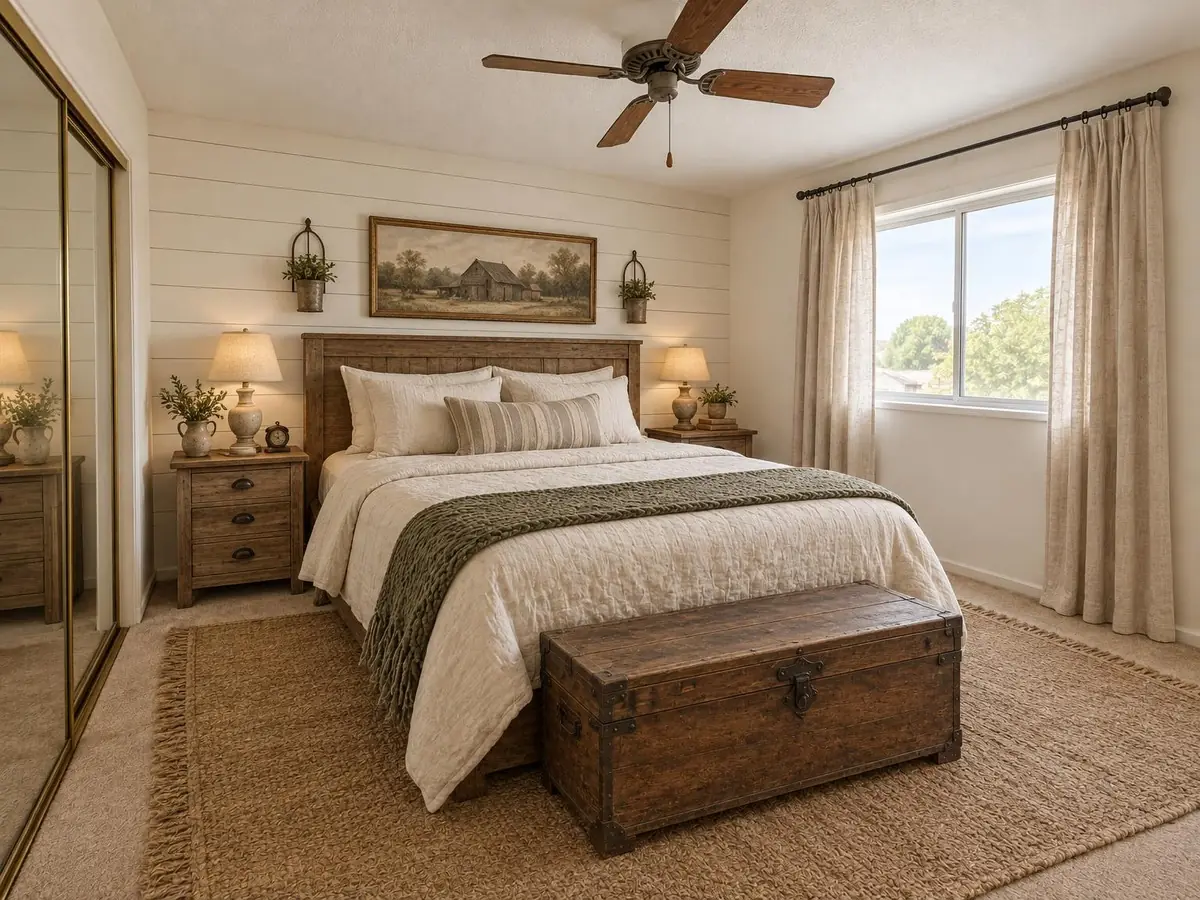 Farmhouse bedroom ideas
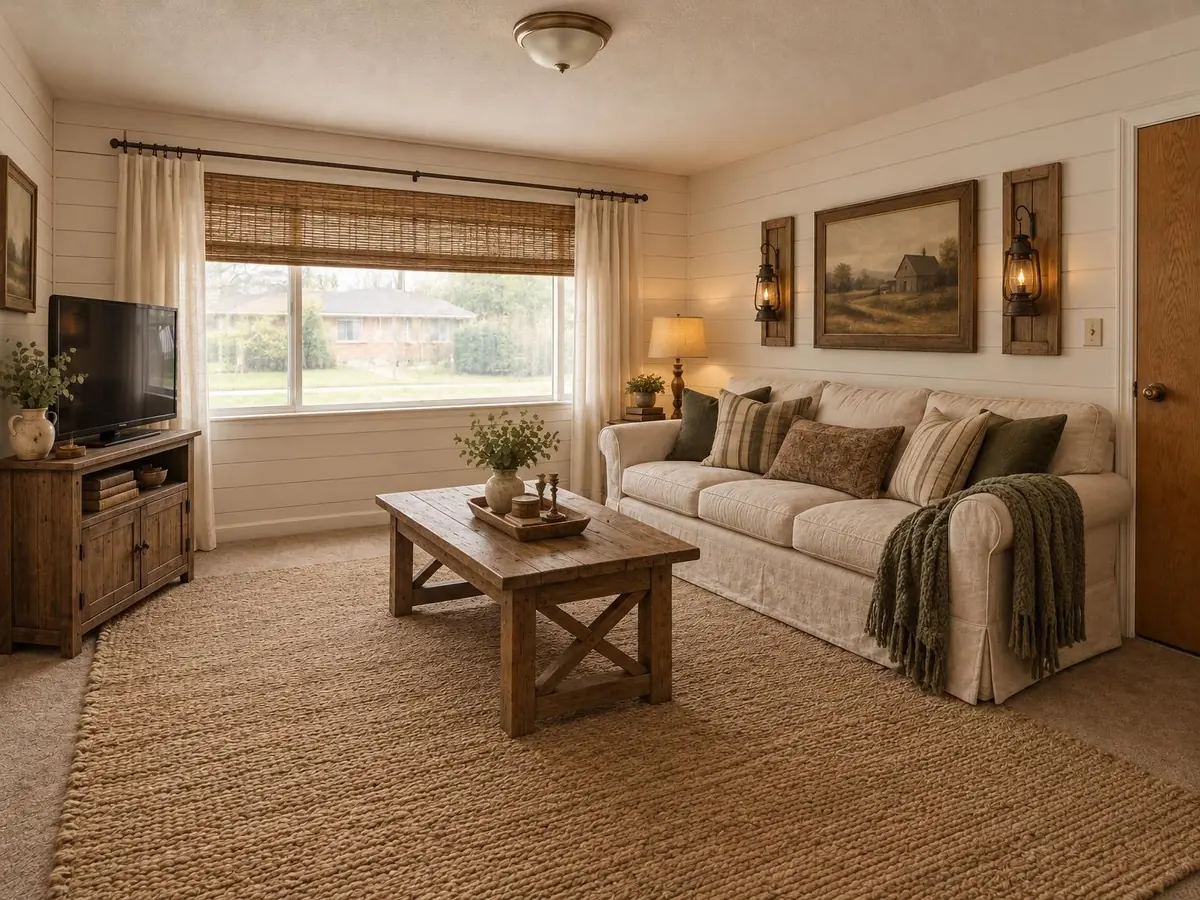 Farmhouse living room ideas
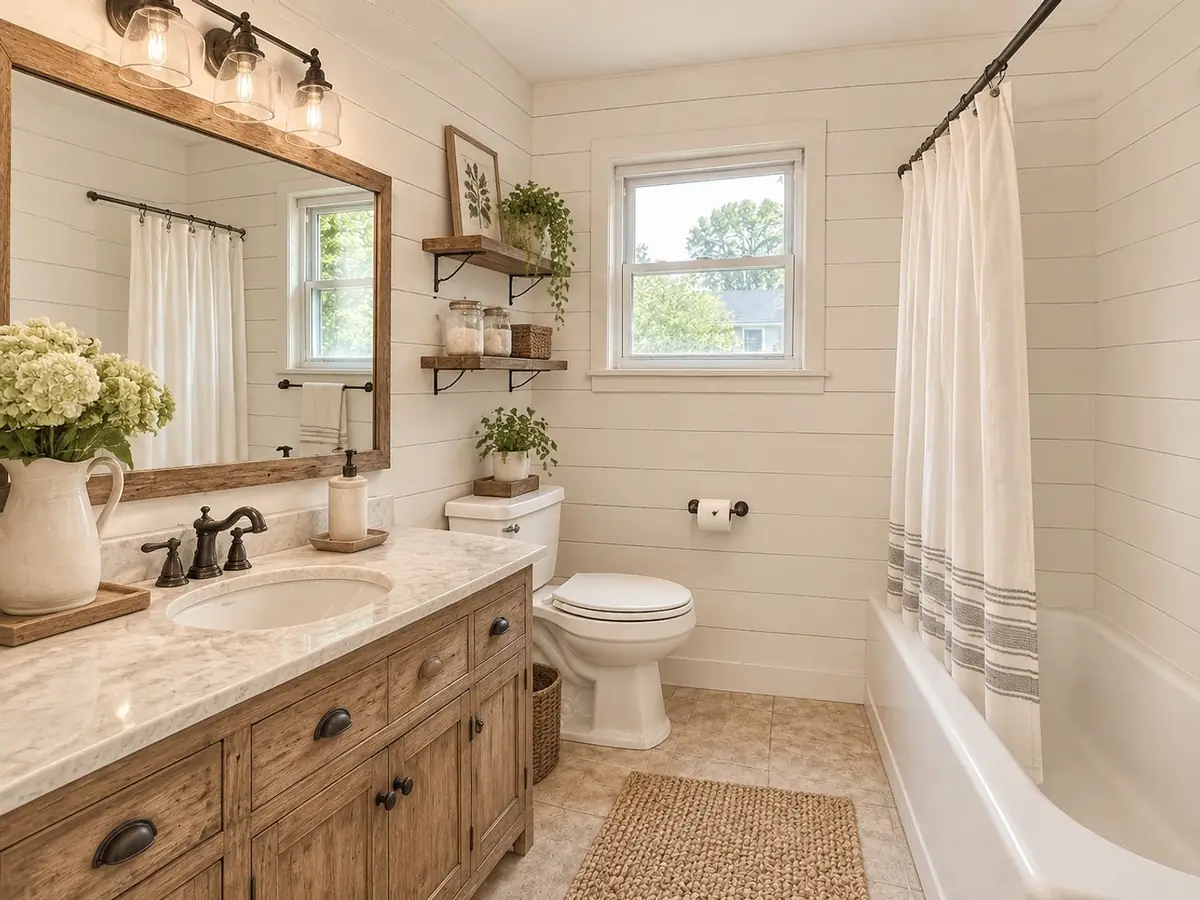 Farmhouse bathroom ideas
Questions
What is virtual staging?
Virtual staging adds furniture and decor to a photo of an empty room. It helps buyers and renters picture the space without physically furnishing it.
Are staged photos labeled?
Yes. Downloads include a Virtually staged label by default. Keep it on for listings and follow the disclosure rules of your market.
Will the room's structure change?
No. Walls, floors, windows and doors stay as photographed; only furniture and decor are added.
Can I try it before subscribing?
Yes. Your first preview works without an account. It is watermarked and cannot be downloaded.