AI interior design from a single photo
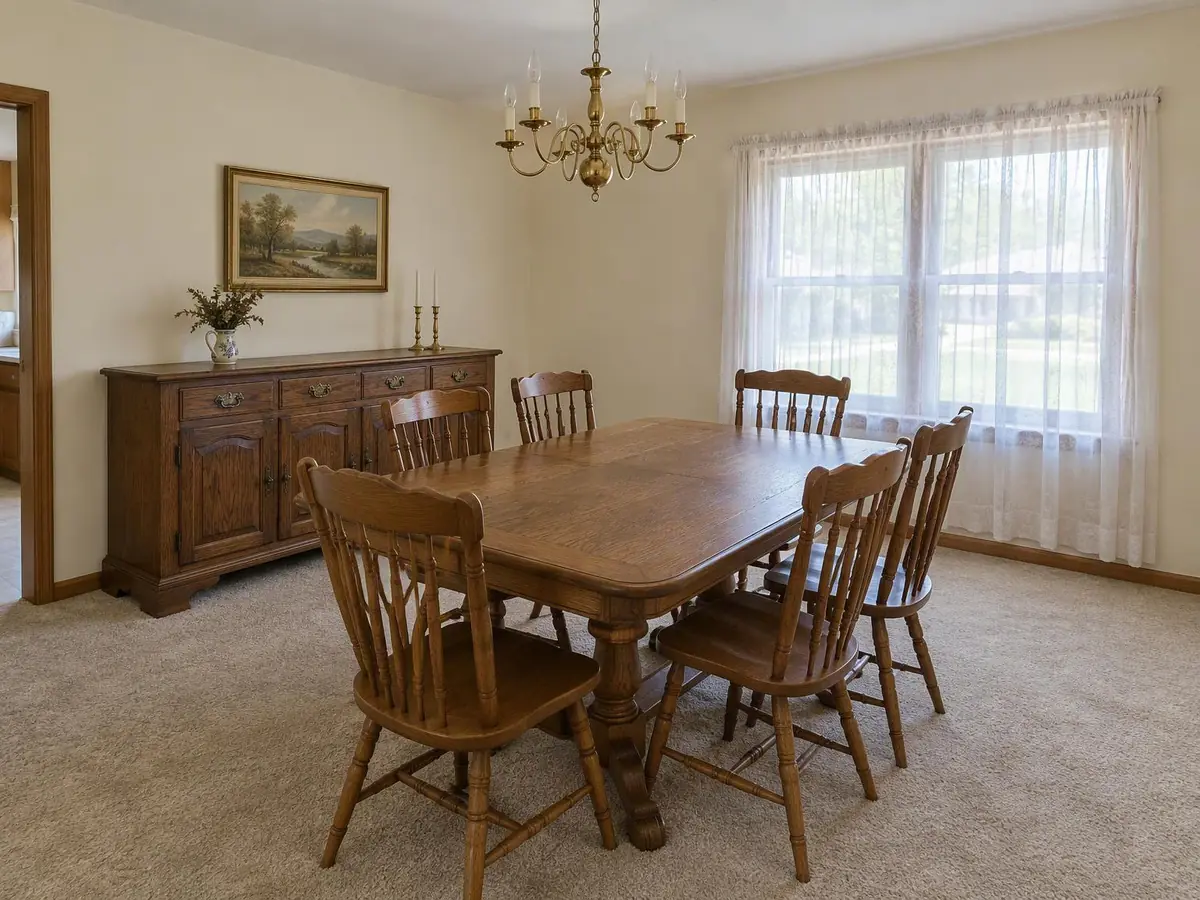
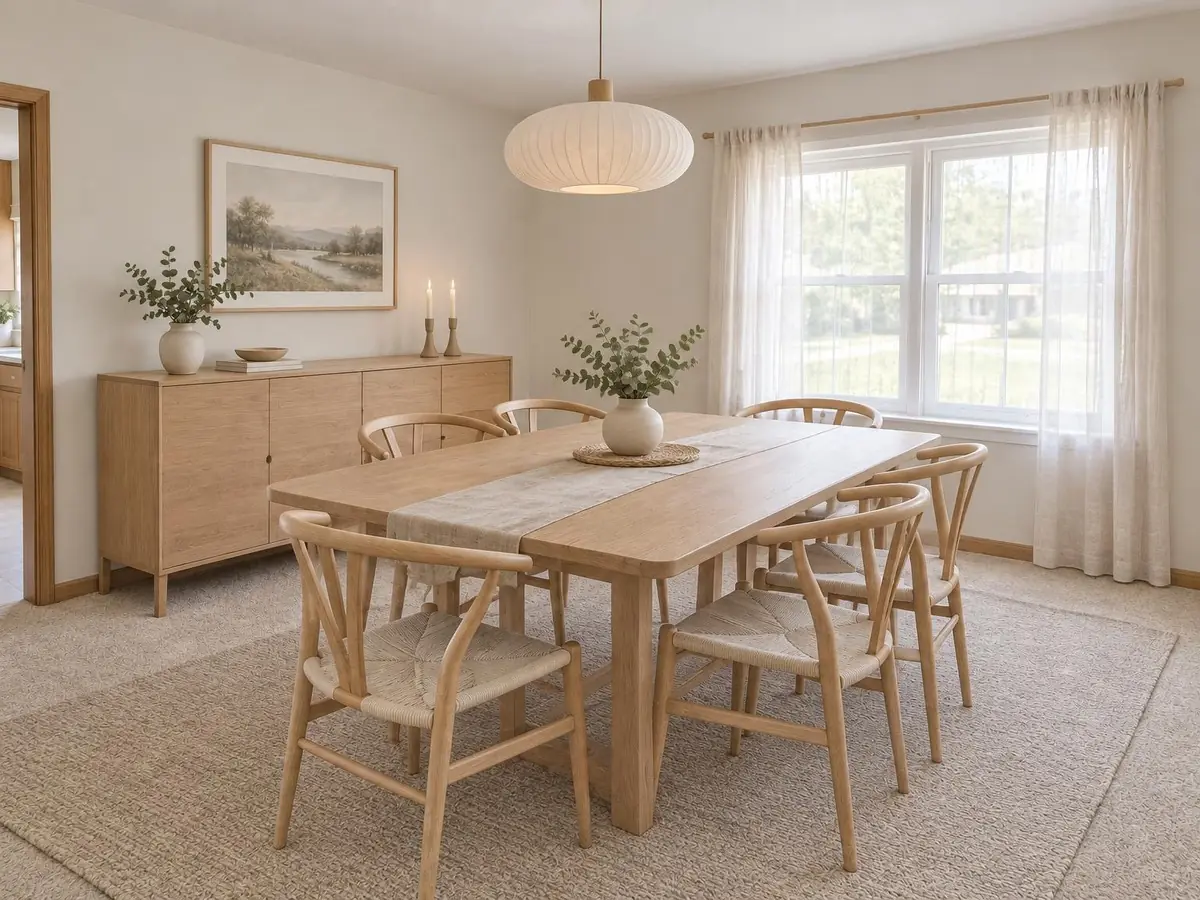
See your own room in a new style before you buy anything. Upload a photo, choose the room and a style, and compare up to four redesigns per round side by side. The structure of the room stays exactly as photographed.
How it works
- 1
Upload a room photo
Any room in your home: living room, bedroom, kitchen, bathroom, dining room, home office, entryway or studio.
- 2
Choose a style
Twelve styles, each with its own palette, materials and furniture shapes.
- 3
Compare and refine
On a plan, get four variations per round, compare them with a before and after slider, and change only one detail with a follow-up edit.
What stays and what changes
- Walls, windows, doors and the camera angle stay as in your photo.
- Furniture, finishes, colors, lighting and decor change to match the style.
- Every result is a room only: no people are added.
More design ideas
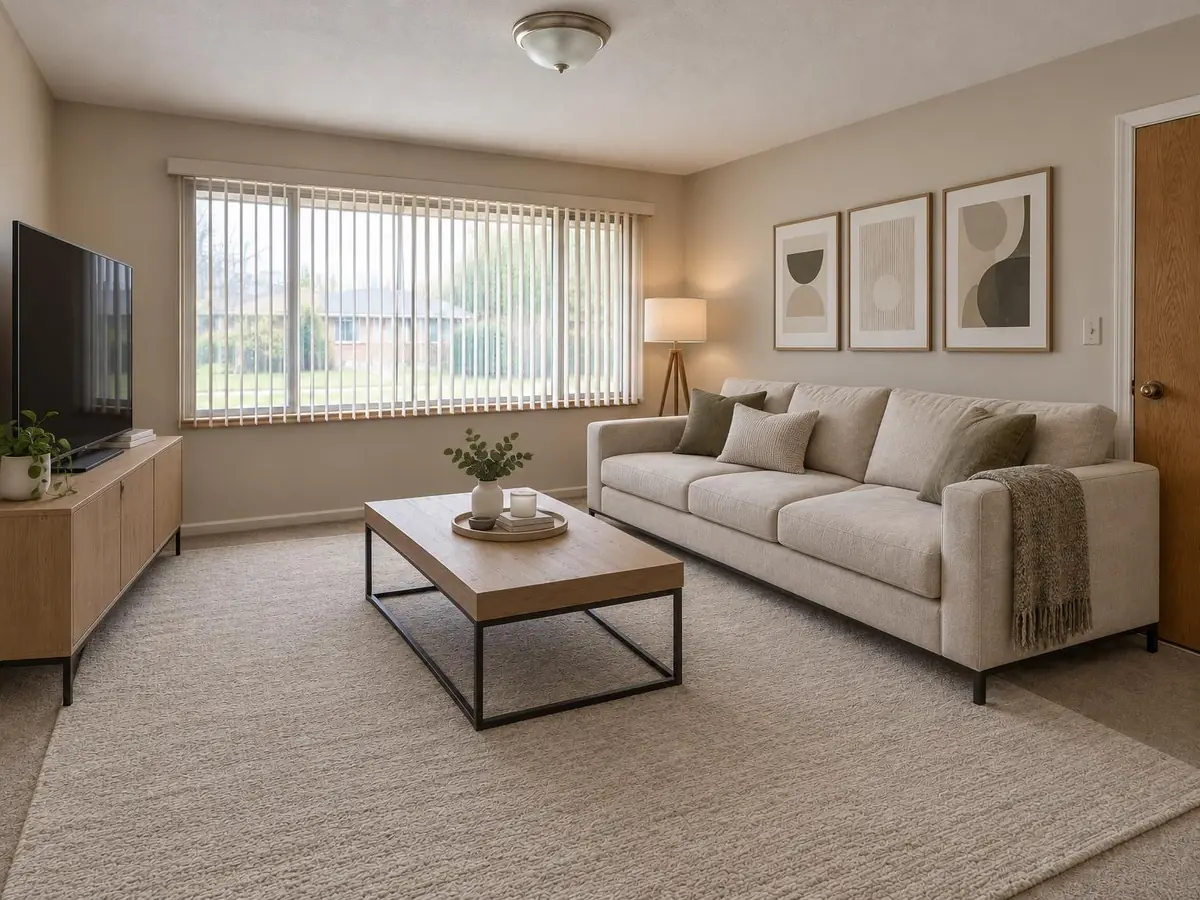 Modern living room ideas
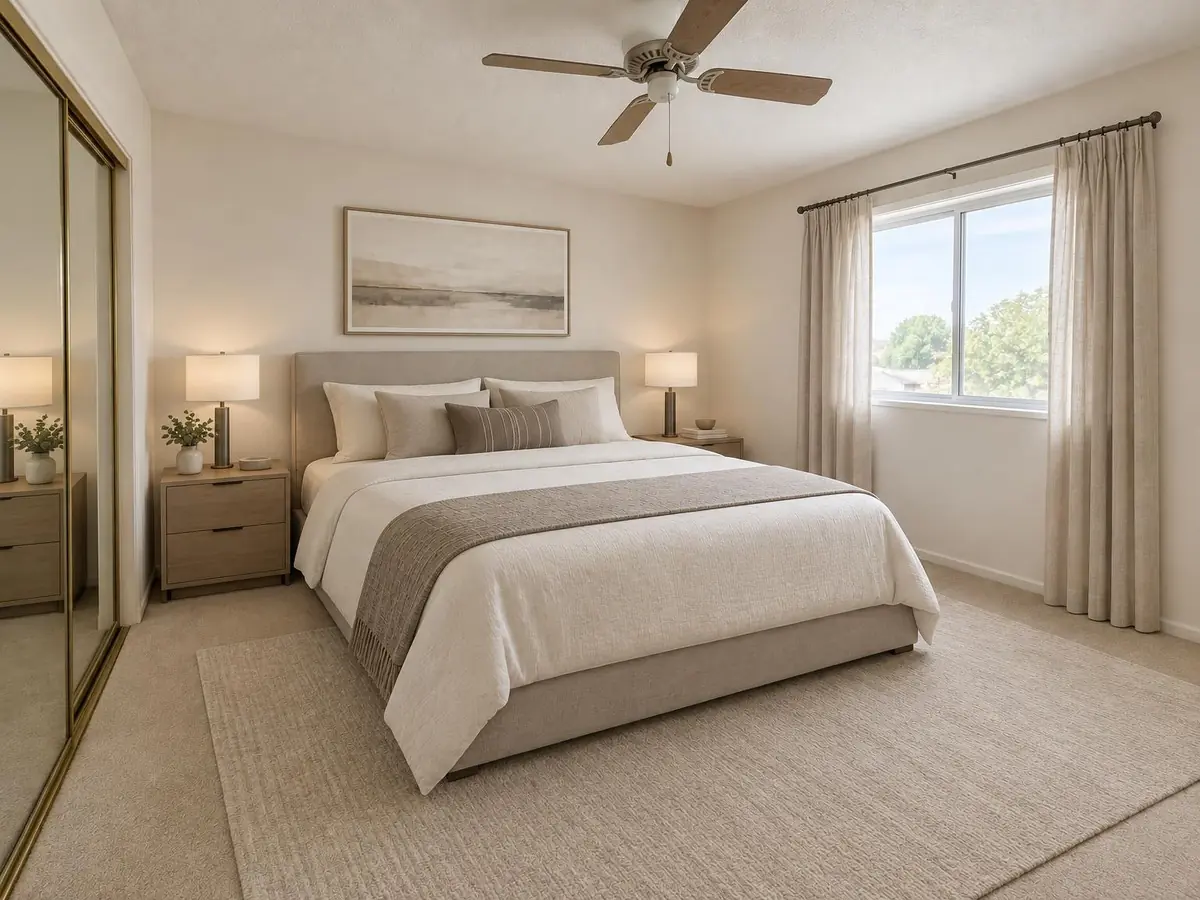 Modern bedroom ideas
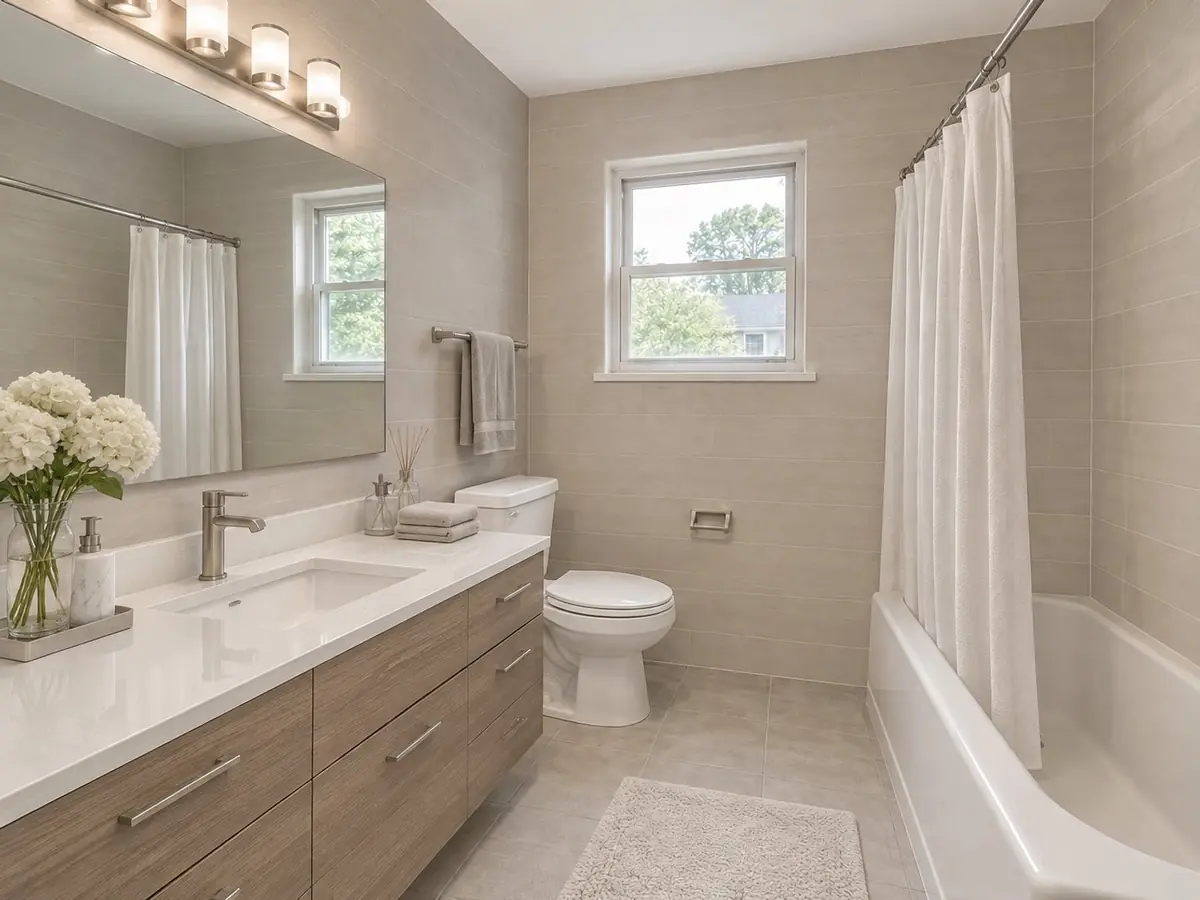 Modern bathroom ideas
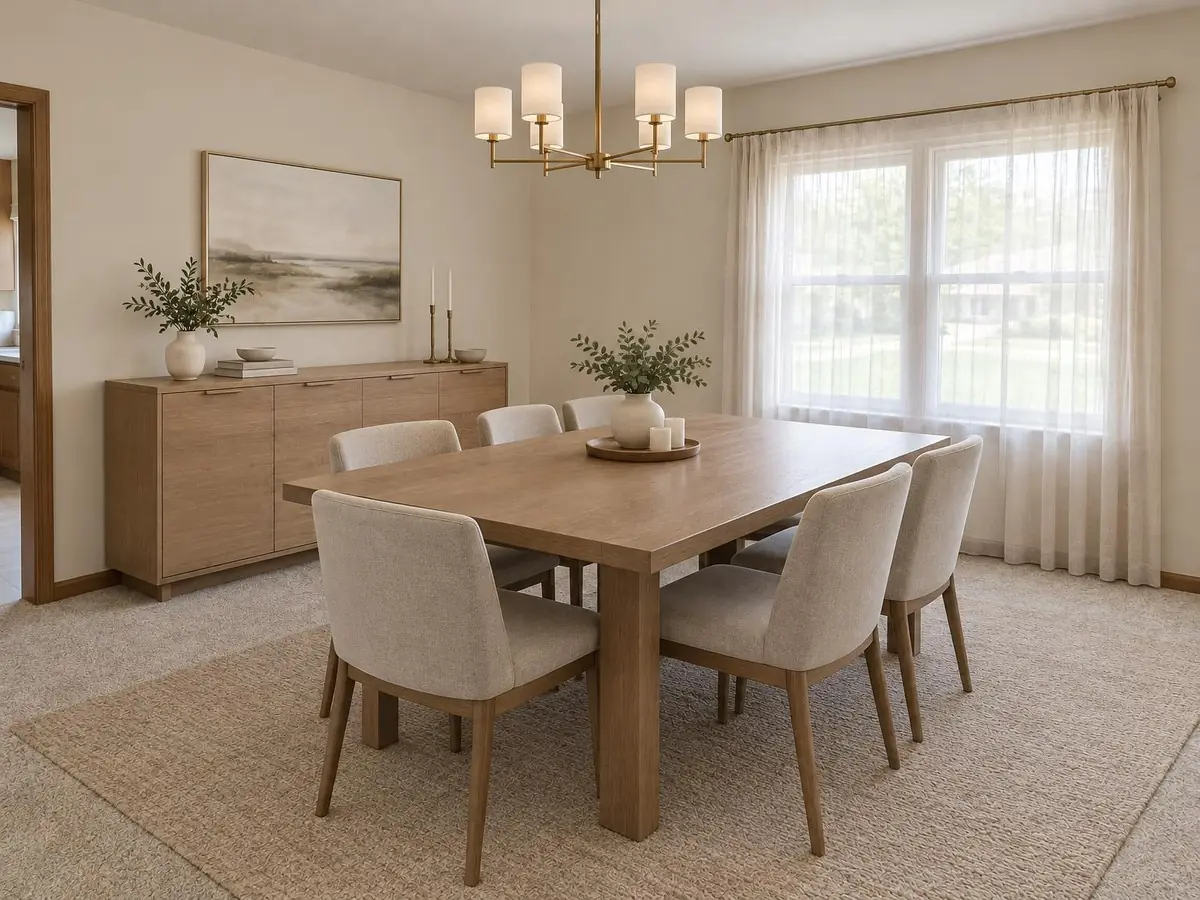 Modern dining room ideas
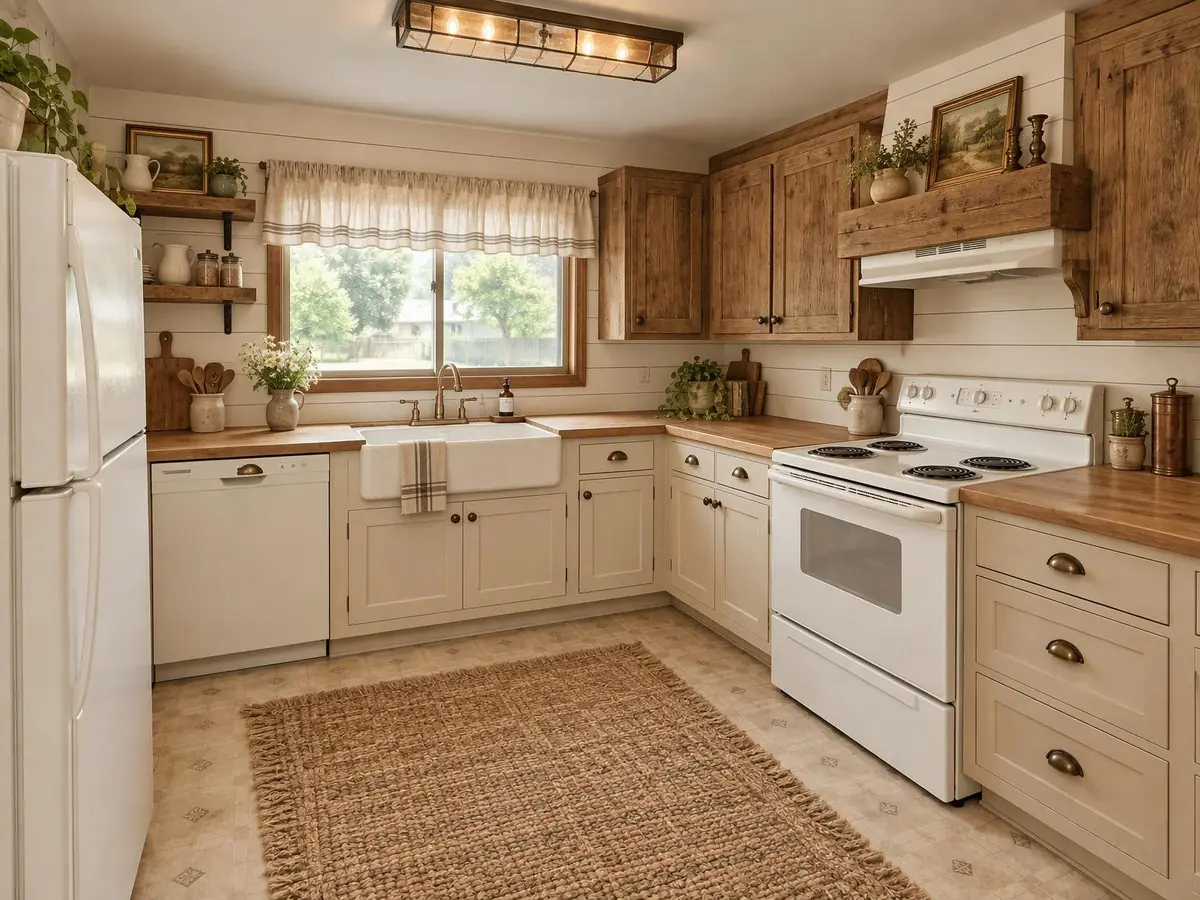 Farmhouse kitchen ideas
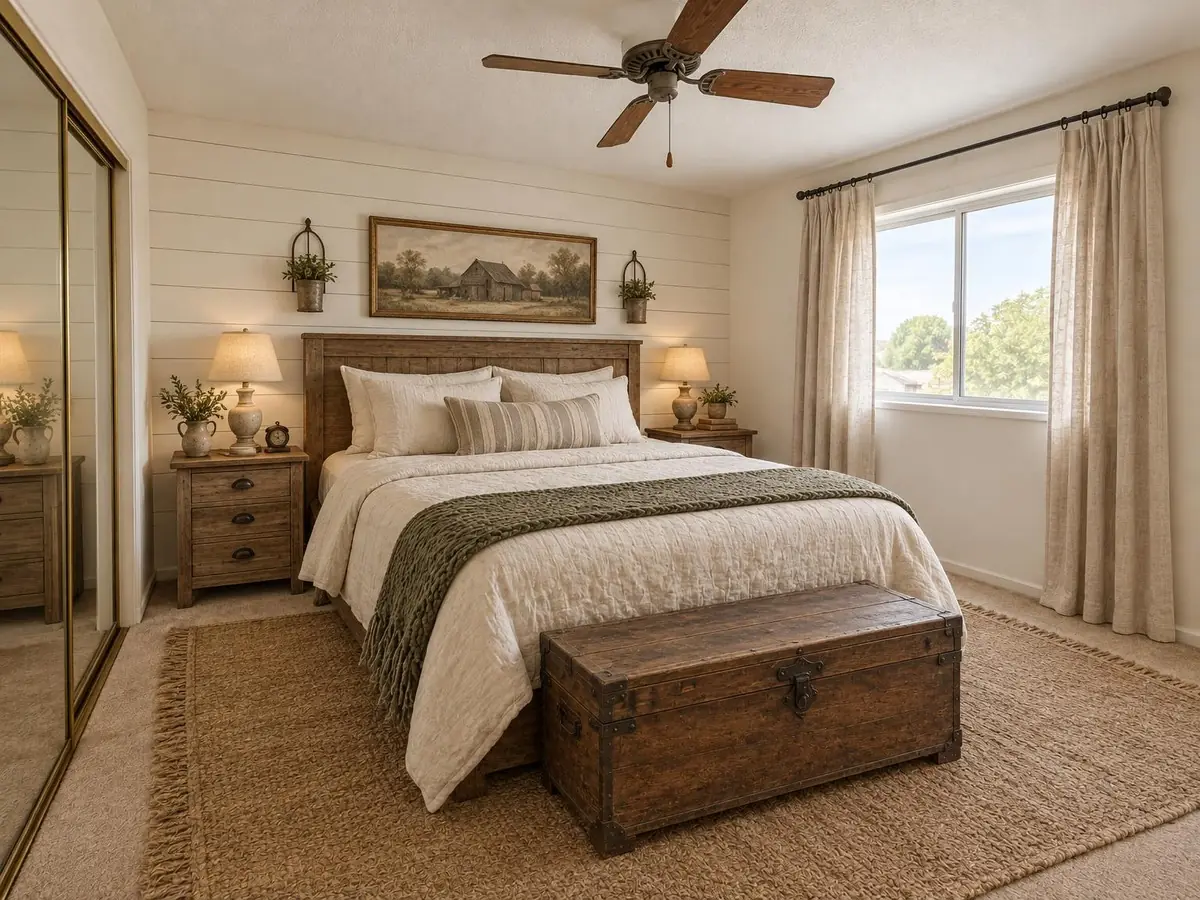 Farmhouse bedroom ideas
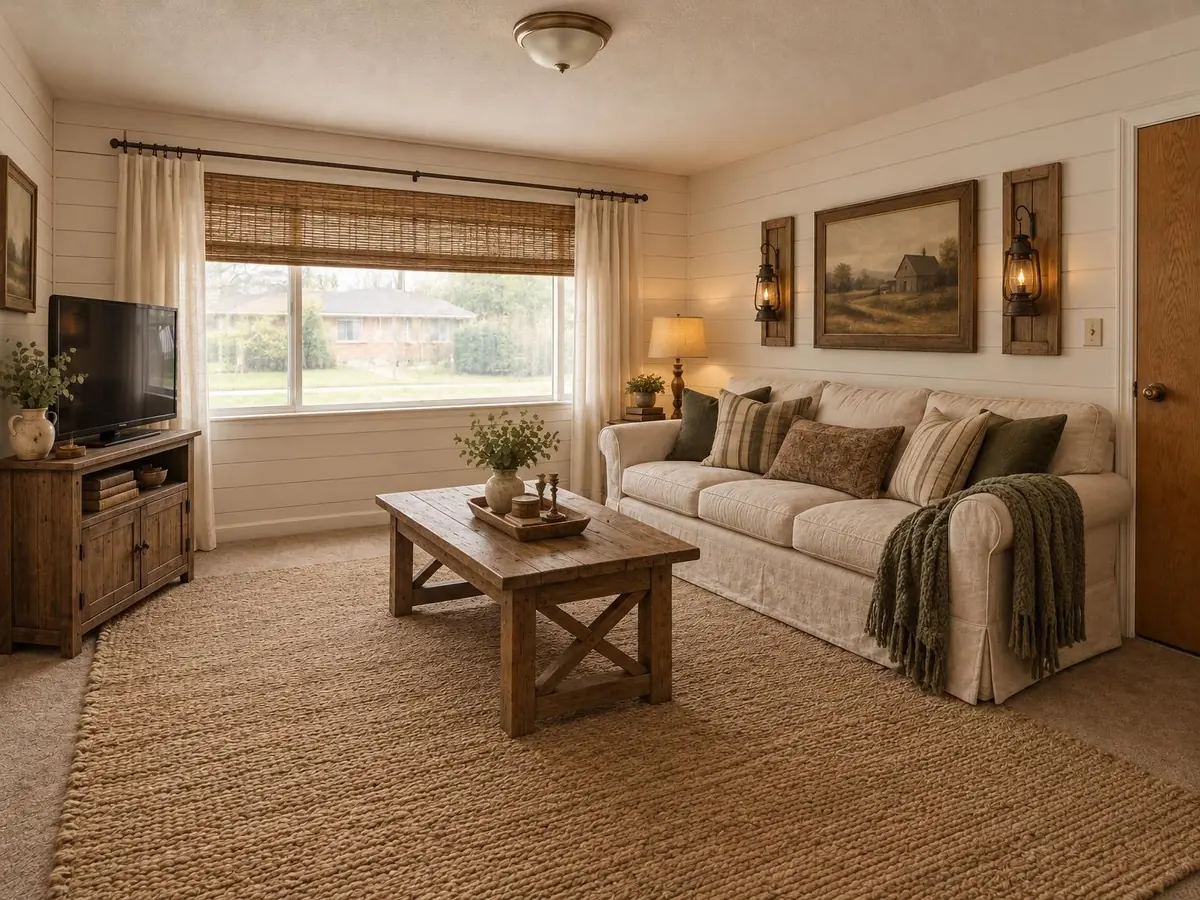 Farmhouse living room ideas
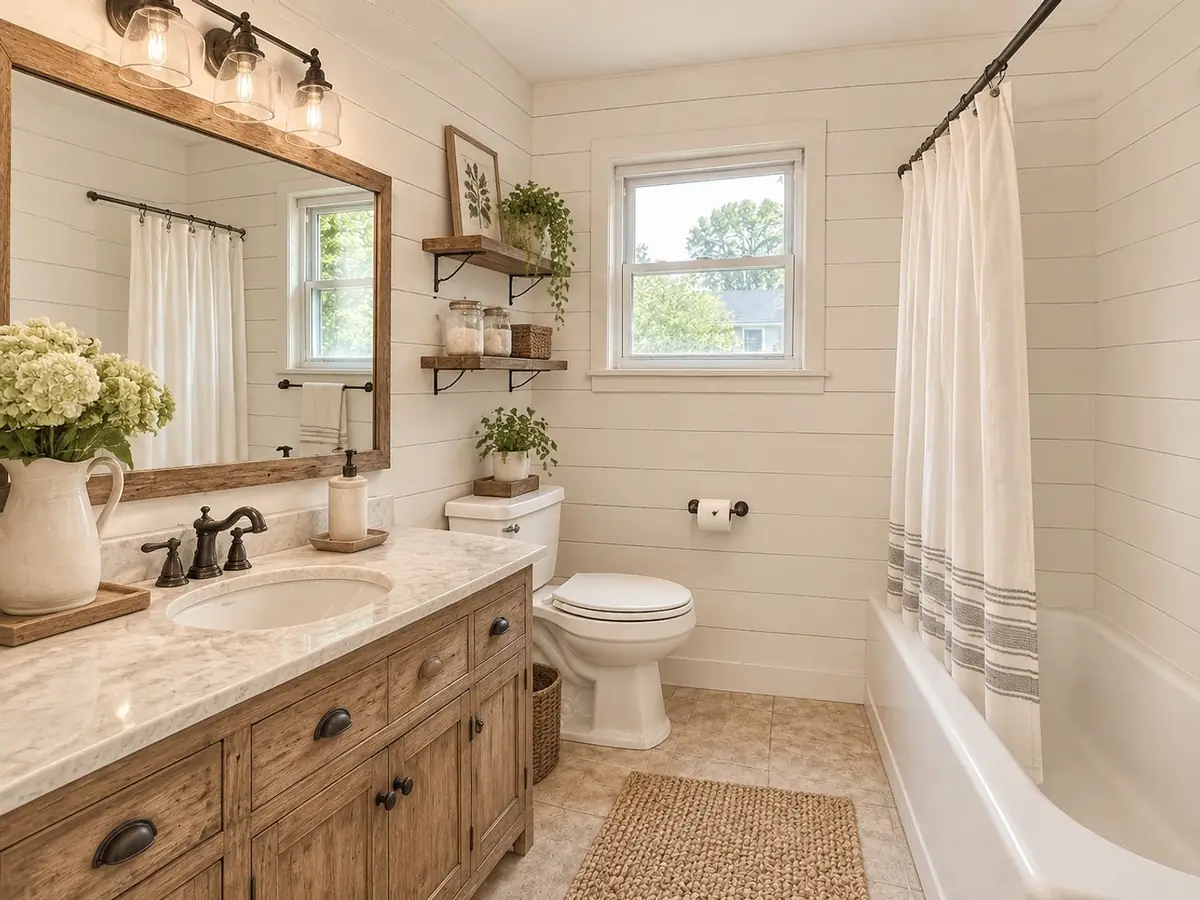 Farmhouse bathroom ideas
Questions
How does AI interior design work?
The model reads the structure of your photo and redraws the furniture, finishes and decor in the style you choose, keeping walls, windows and doors in place.
How many styles can I try?
Twelve styles across eight room types. You can switch styles on the same photo as often as your plan allows.
Is the result a construction plan?
No. It is a visual idea for finishes and furniture. Check measurements and building rules with a professional before you renovate.